
PDF Security Guide: Protect, Unlock and Redact Documents
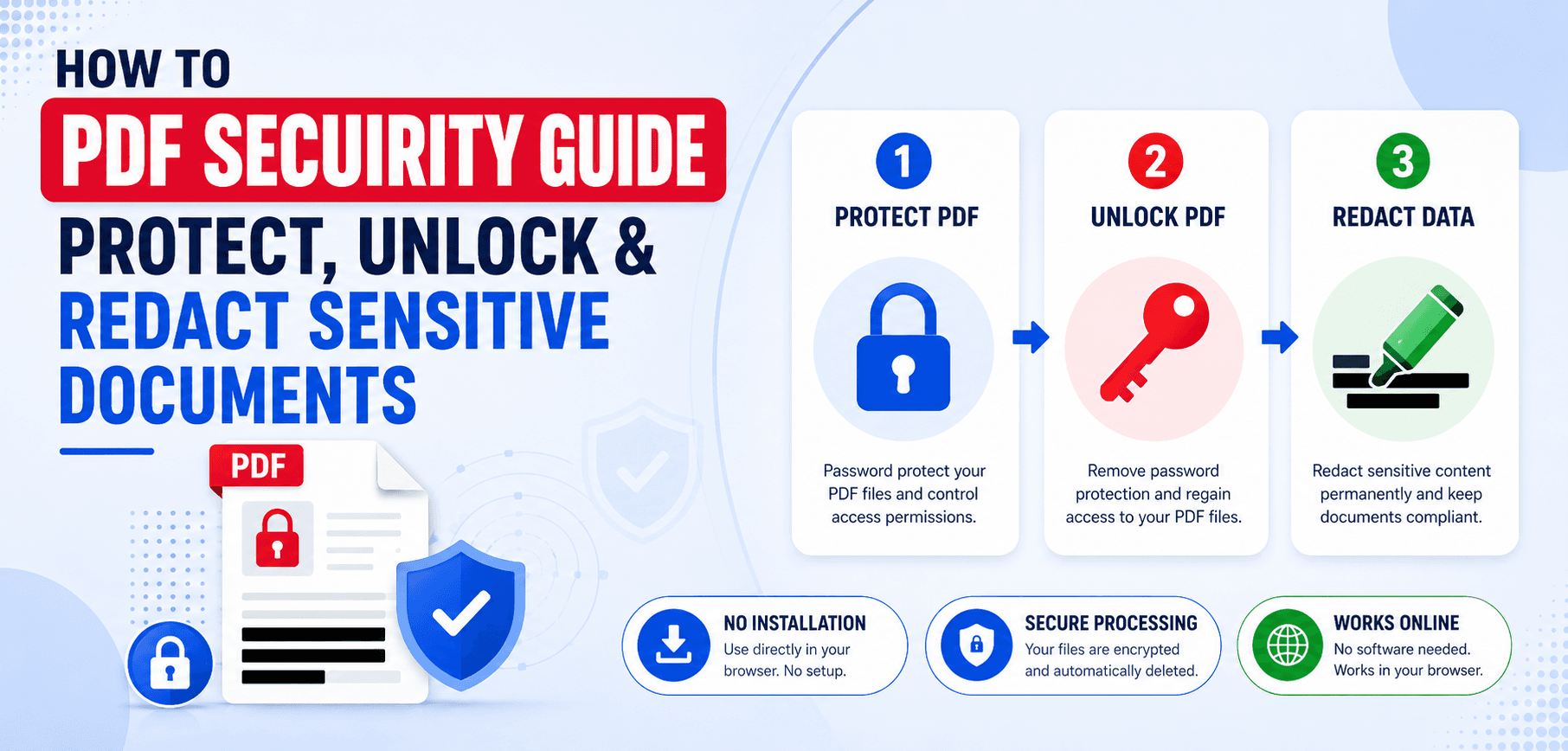
In 2026, document security is more important than ever. With the rise of remote work and digital contracts, businesses are constantly sharing sensitive documents online. However, simply emailing a standard PDF exposes your confidential data to significant risks, from accidental forwarding to malicious interception.
Whether you are an accountant handling financial records, a lawyer managing case files, or an HR professional storing employee data, understanding PDF security is essential. This comprehensive guide introduces the core pillars of PDF document security: protecting your files with passwords, unlocking legitimate files securely, and redacting sensitive information for total privacy.
1. Understanding PDF Security
So, what makes a PDF secure? The Portable Document Format (PDF) was explicitly designed with built-in security features that can be layered to suit different confidentiality needs.
Common security threats affecting PDF documents today include unauthorized access (snooping), data scraping, malicious editing, and accidental leakage. Organizations rely on PDF protection because it is universally supported across operating systems and allows the document owner to dictate exactly what the recipient can and cannot do with the file.
2. How to Protect PDF Documents
Protecting a PDF involves adding barriers that prevent unauthorized users from viewing or altering the document's contents.
Password Protection
There are two types of passwords you can apply to a PDF:
- User Passwords (Document Open Password): This password must be entered simply to open and view the PDF. Without it, the file remains locked and unreadable.
- Owner Passwords (Permissions Password): This password doesn't stop someone from reading the file, but it restricts what they can do with it (like printing or editing).
Adding a password means the file is encrypted. Encryption scrambles the data inside the file using complex cryptographic algorithms (like 256-bit AES encryption).
Try It Now
Need to secure a file right now? Use our Free Protect PDF Tool to add 256-bit AES encryption to your documents locally inside your browser.
3. When and How to Unlock PDF Files
A locked PDF is a file secured with either an open password or permission restrictions. You might encounter a locked PDF if a bank sends you a secure statement, or if an old employee secured a company file before leaving.
While security is vital, there are perfectly legitimate reasons to remove passwords from a PDF, such as accessing your own documents without repeatedly typing passwords, removing outdated restrictions, or improving workflow efficiency.
If you have the password, you can permanently remove the security layer using a PDF Unlock Tool. Always use tools that process files locally so your unlocked file isn't exposed on a remote server.
4. How to Properly Redact Sensitive Information
Redaction is the process of permanently removing visible text and graphics from a document. A critical difference: Drawing a black box over text using a standard PDF annotation tool is not redaction. True PDF redaction scrubs the underlying text data completely from the file's source code.
For total compliance and privacy, always redact Personal identification details (SSNs), Financial information, Legal records, Medical information (PHI), and Confidential business data. Use a dedicated redaction tool to draw blackout boxes over the data and commit the changes.
5. PDF Security Tools Every User Should Know
To manage document security efficiently, you need a robust toolkit. Here are the essential tools you should have bookmarked:
Frequently Asked Questions
How secure are password-protected PDFs?
If encrypted with 256-bit AES and a strong, complex password (12+ characters), a PDF is mathematically secure and practically impossible for modern computers to brute-force.
Can a PDF password be removed legally?
Yes, removing a PDF password is completely legal provided you are the rightful owner or authorized recipient of the document and know the password.
What is the difference between encryption and password protection?
A password is the 'key' you type. Encryption is the mathematical 'lock' that scrambles the file's data. Adding a password to a PDF inherently applies encryption to it.
How can businesses secure confidential PDF documents?
Businesses should employ 256-bit encryption for all external shares, permanently redact PII (Personal Identifiable Information), and use permission passwords to restrict printing and text copying.
Ensure 100% Secure PDFs
Don't risk a massive data leak. Use our advanced tools to password protect, unlock, or redact your sensitive documents securely in your browser.