How to Edit PDF Files: Modifying Text, Images & Vectors
Unlike Microsoft Word documents which are designed dynamically around flowing text, the PDF (Portable Document Format) was engineered by Adobe in the 1990s as a final digital print format. Its primary goal is absolute visual consistency across all devices and operating systems.
This rigid architecture makes PDFs incredibly reliable to view, but notoriously difficult to edit. When you see a paragraph of text in a PDF, the file does not necessarily understand it as a cohesive paragraph. It might just view it as a collection of individual letters placed at specific X/Y coordinate vectors on a canvas. In this guide, we will break down the complexities of PDF editing and show you how to securely modify your documents.
1. The Three Types of PDF Editing
When people say they need to "edit a PDF," they usually mean one of three distinct technical operations. Understanding which one you need is crucial to picking the right tool.
True Text Editing
This involves altering the underlying binary vector data. It requires identifying the embedded font, matching the kerning, and shifting the X/Y coordinates of surrounding words to accommodate new characters.
Annotation (Markup)
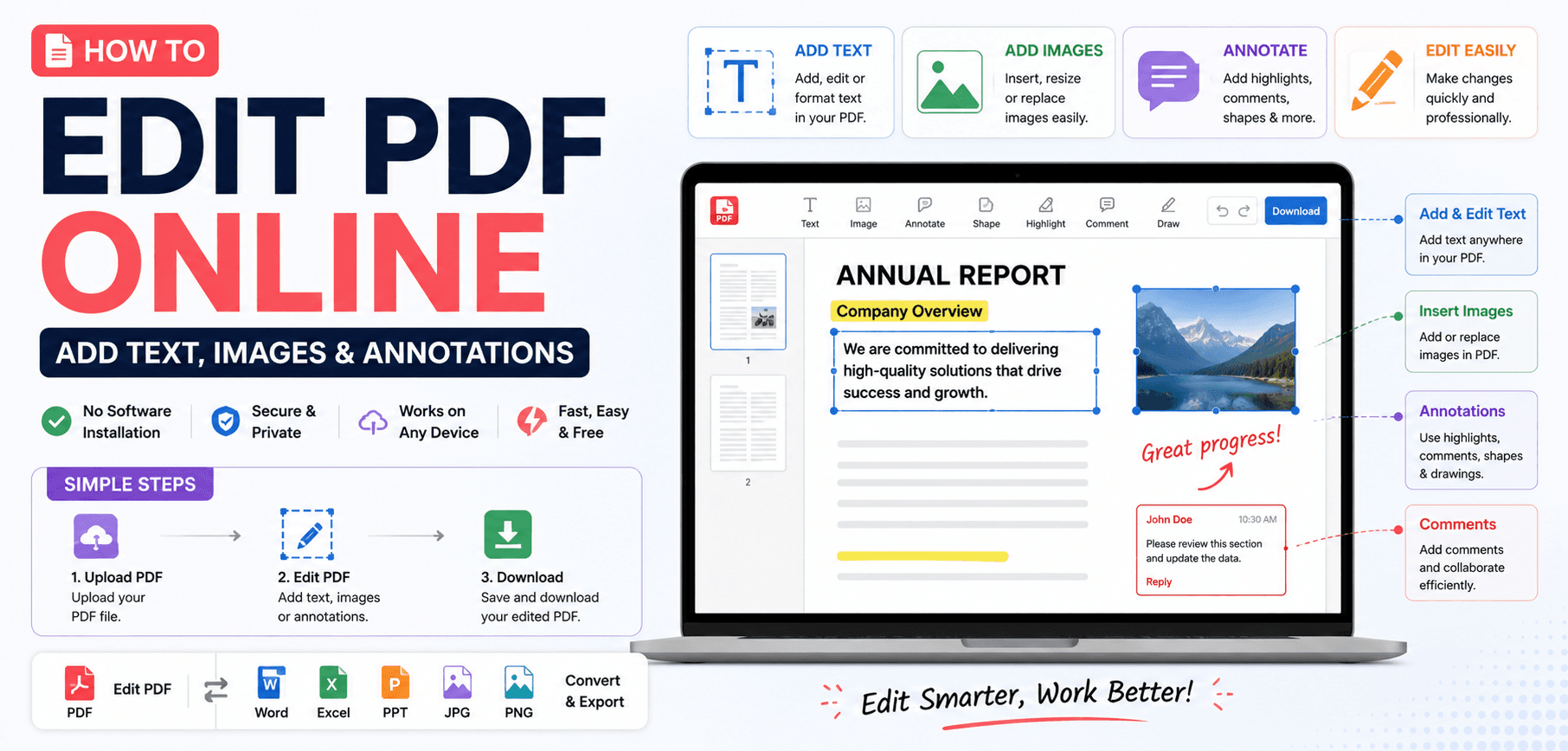
This does not alter the original document text. Instead, it adds a new layer on top of the PDF. This includes highlighting, drawing shapes, adding sticky notes, or stamping signatures.
OCR Extraction
When a PDF is created by a scanner, it contains no text data—only a flat image of text. OCR (Optical Character Recognition) AI must be used to "read" the image and generate editable text.
2. The Font Embedding Challenge
If you try to change the word "Contract" to "Agreement" in a PDF, the editing software faces a massive hurdle: Font substitution.
To ensure a PDF looks the same on a Mac, Windows, and Linux machine, the creator usually embeds the required fonts directly into the file. However, to save file size, they often "subset" the font. This means if the document only uses the letters A, B, and C, only those three letters of the font are embedded.
If you try to type a "D" into that document, the editor will fail unless you have the exact original font installed on your local operating system. Advanced editors will attempt to substitute a visually similar font (like swapping Arial for Helvetica), but this often results in jagged formatting.
3. Replacing and Modifying Images
Images inside a PDF are stored in a dictionary object with specific width/height matrices.
When you replace an image using a PDF editor, the software must carefully swap the binary data stream of the new image into the dictionary without breaking the surrounding layout vectors. Because PDFs do not have "reflow" logic, if you insert an image that is significantly larger than the original, it will likely overlap and cover up the text below it rather than pushing the text down the page.
4. Secure Browser-Based Editing Workflow
Because PDFs often contain highly sensitive legal or financial data, uploading them to remote cloud servers for editing is a massive security risk. SmartPDFs Plus provides a secure, WebAssembly-powered annotation environment:
Zero-Knowledge Architecture
When you open a file in our PDF Editor, the file is loaded directly into your browser's local memory. You can add text overlays, highlight sections, and draw signatures entirely offline. No data is transmitted to our servers.
- 1
Load the Document
Navigate to the SmartPDFs Plus Editor. Drag and drop your file into the secure workspace.
- 2
Select Annotation Tools
Use the toolbar to select the Type tool to add new text blocks, or the Highlight tool to mark important clauses.
- 3
Flatten and Save
When you are finished, click Export. The editor will "flatten" your annotations into the core PDF structure, ensuring they cannot be easily altered by the recipient, and download the file instantly.
Frequently Asked Questions
Why can I not select the text in my PDF?
If you cannot highlight words with your cursor, your PDF is likely a scanned image. You must use an OCR (Optical Character Recognition) tool to analyze the image and generate a readable text layer.
Does editing a PDF leave a digital footprint?
Yes. Most professional PDF editors update the document metadata when saved, modifying the "Creator" and "ModifiedDate" tags. Advanced forensics can often determine what software was used to alter the file.
How do I edit a password-protected PDF?
You cannot edit an encrypted PDF without the owner password. If the file only has an "Owner/Permissions" password preventing edits, you must use an unlock tool first. If it has a "User" password, you cannot even open it without the key.
Ready to Markup Your Documents?
Add text, highlight clauses, and draw signatures securely in your browser without uploading your sensitive files.