How to Crop e-Aadhar Card for PVC Printing Online
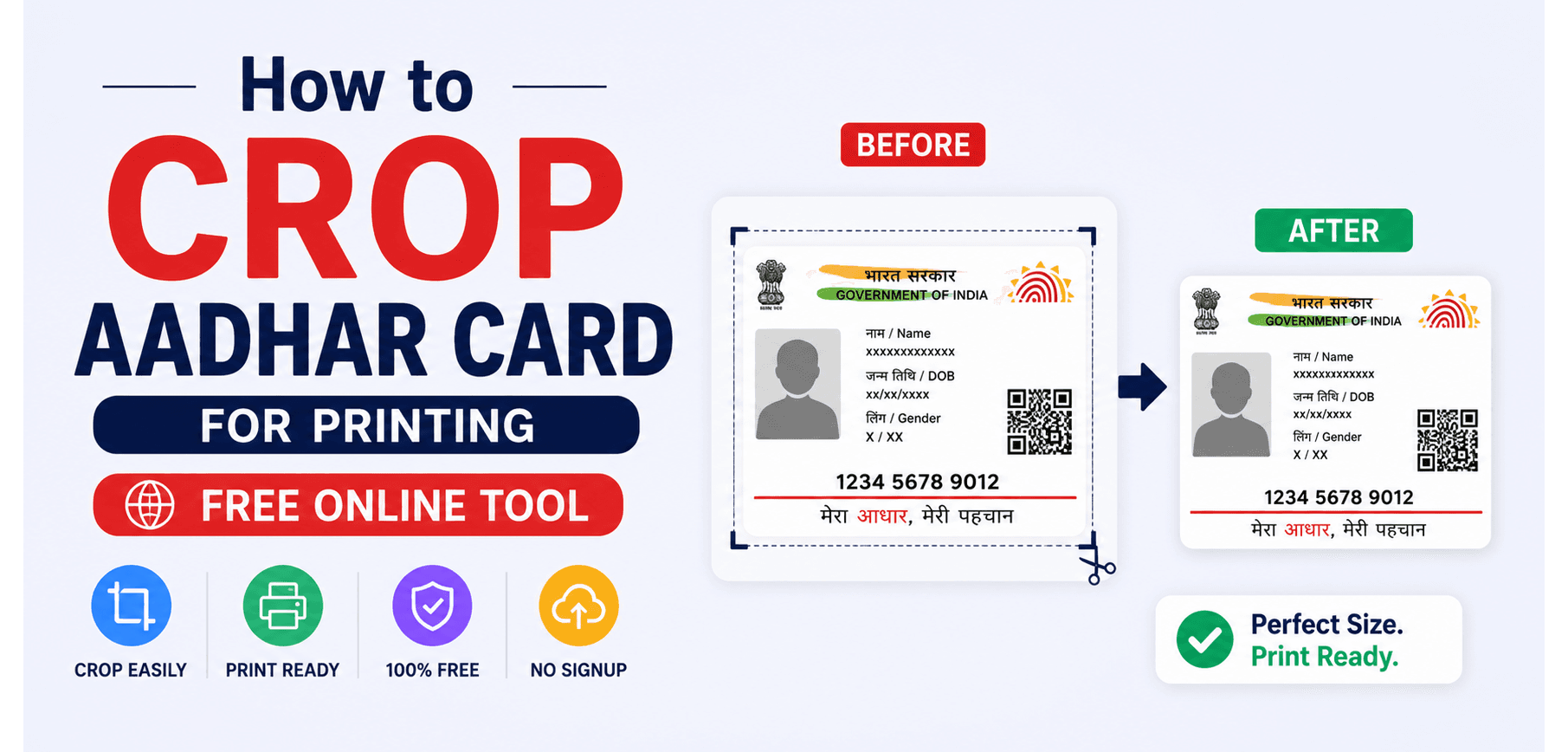
Downloading an e-Aadhar from the official UIDAI portal is easy, but printing it is a nightmare. The official PDF is formatted as a full A4 page, with the actual wallet-sized identification card occupying only a small fraction of the space at the bottom. If you try to print this directly onto a PVC card or a standard photo printer, you will end up with a microscopic, illegible mess.
In this guide, we will break down the exact millimeter dimensions required for standard CR80 PVC card printing, explain how automated bounding-box algorithms extract the card from the A4 sheet, and show you how to crop your e-Aadhar PDF securely in your browser without compromising your private data.
1. The Problem with the Official e-Aadhar PDF
When you download your e-Aadhar from UIDAI, you receive a password-protected PDF. The document spans a standard A4 page (210mm x 297mm). The top two-thirds contain instructional text, download details, and a massive QR code. Only the bottom third contains the actual ID card meant to be cut out.
The Screenshot Fallacy: Many people attempt to solve this by taking a screenshot of the card on their phone and printing the image. This is a massive mistake. A screenshot is a low-resolution raster graphic (usually 72 to 96 DPI). When printed onto physical PVC, the text becomes heavily pixelated, and the all-important QR code becomes completely unscannable, rendering the card useless for official verification.
2. Exact Dimensions for PVC Printing
To print a professional-looking ID card, you must format the document to the global CR80 standard. This is the exact same dimension used for credit cards, driver's licenses, and standard PVC printing trays (like those used in Epson or Canon inkjet printers).
CR80 Physical Dimensions
- Width: 85.6 mm (3.37 inches)
- Height: 53.98 mm (2.125 inches)
- Aspect Ratio: 1.586 : 1
Print Resolution (DPI)
To ensure the micro-printing and QR codes remain perfectly crisp, the cropped PDF must maintain a minimum of 300 DPI (Dots Per Inch).
Our Aadhar Crop Tool mathematically isolates the vector coordinates of the card within the A4 sheet. It doesn't rasterize the image; it simply moves the PDF's CropBox and MediaBox boundaries to perfectly encase the 86x54mm area, preserving 100% of the original vector quality.
3. The Security Imperative: Local Processing
Your Aadhar card contains your name, date of birth, address, and biometric-linked identification number. It is arguably the most sensitive document you possess.
Zero-Knowledge Architecture
You should never upload an unlocked Aadhar PDF to a random server on the internet. SmartPDFs Plus processes your Aadhar file entirely within your web browser using WebAssembly. The file is cropped utilizing your device's RAM and CPU. The document never leaves your computer, ensuring absolute privacy and zero risk of data interception.
4. Step-by-Step: How to Crop Your Aadhar PDF
Preparing your e-Aadhar for PVC printing takes less than 5 seconds. Here is the exact workflow:
- 1
Remove the Password First
UIDAI locks the e-Aadhar with a password (usually the first 4 letters of your name in caps + your birth year, e.g., SURE1990). You must first unlock the PDF on your computer before the crop tool can read the vector boundaries.
- 2
Upload to the Cropper
Drag and drop your unlocked A4 e-Aadhar PDF into the SmartPDFs Aadhar Crop Tool.
- 3
Automated Extraction
The tool automatically detects the front and back panels of the ID card at the bottom of the page. It splits these into two perfectly proportioned 86x54mm pages.
- 4
Download and Print
Download the finalized PDF. You can now feed this file directly into any PVC ID card printer, or place it into a Word document to print on glossy photo paper without manually resizing it.
Frequently Asked Questions
Will cropping the PDF degrade the QR Code?
No. Because our tool adjusts the PDF bounding boxes rather than rasterizing the file into an image, the QR code remains in its original vector format. It will scan perfectly on any UIDAI scanner app.
Why is the tool asking for a password?
The official e-Aadhar PDF is encrypted by the government. The cropping algorithm cannot read the layout of an encrypted file. You must unlock it with your UIDAI password first.
Can I print the cropped file on normal A4 paper?
Yes. If you print the cropped 86x54mm PDF onto A4 paper, ensure your printer settings are set to "Actual Size" rather than "Fit to Page". You can then cut it out manually.
Is my Aadhar data stored on your servers?
Never. SmartPDFs Plus runs entirely in your browser. Disconnect from the internet after loading the tool if you want to verify—it will still work perfectly because no data is sent to the cloud.
Ready to Crop Your e-Aadhar?
Instantly format your ID card for perfect PVC printing right in your web browser. 100% secure, offline-processing.